Generate a font with AI
Describe a typeface and get a font you can install and type with, plus every letter as an SVG.
Fonts

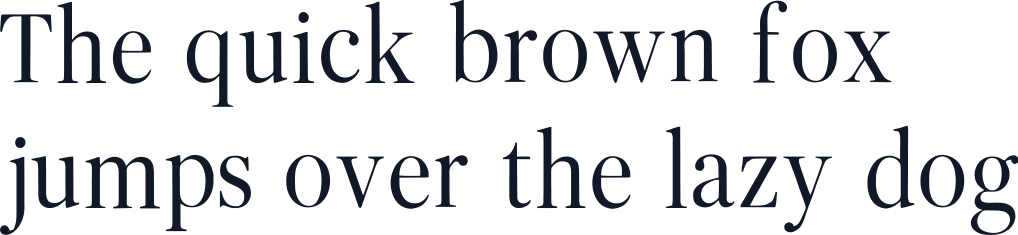
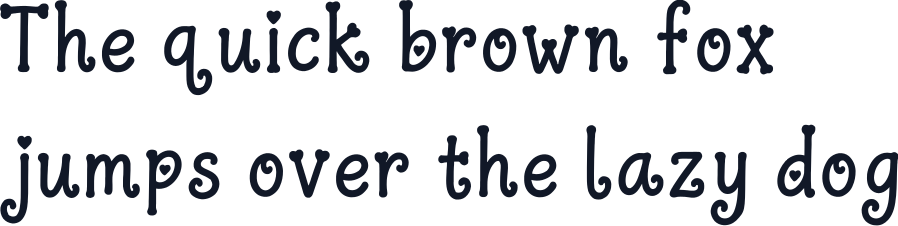
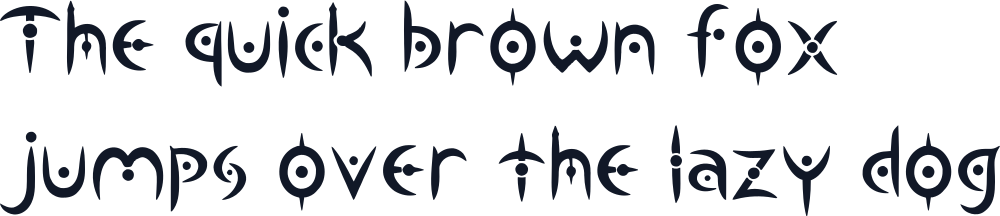
AI font generator
Create fonts for anything
Iconably’s font generator draws a whole typeface from a short description. Every letter, digit and symbol comes out in one consistent style, ready to install as an OpenType font or use letter by letter as SVG.
Brand headlines
A display face for a logo wordmark, a website hero or packaging.
Posters and social posts
Type that matches the mood of an event, a campaign or a channel.
Games and apps
Titles and labels in a face nobody else has.
Lettering and crafts
Each character is its own SVG, ready for cutting machines, stickers and print.
Prompt ideas
Font prompts to try
Tips
How to write a great prompt
- 1
Name the kind of type
Sans serif, serif, script, display, monospace or handwritten sets the starting point.
- 2
Describe the shapes
Weight (thin, bold), corners (rounded, sharp) and width (condensed, wide) steer every letter.
- 3
Give it a mood
Words like elegant, playful, retro or futuristic help all the letters agree on one feel.
FAQ
AI font generator questions
How do I make a font with AI?
Describe the typeface you want and press generate. Iconably draws every character in that style and builds a font from them. You can type with it on the result page before you download it.
Which characters are included?
65 characters: capital letters A to Z, lowercase a to z, the digits 0 to 9, and ! ? &. Other punctuation and accented letters are not included yet.
What file formats do I get?
An OpenType font (.otf) you can install on Mac, Windows and in design apps, plus every character as its own SVG. Download them one at a time or all together as a zip.
Can I use the font commercially?
Assets you generate are owned by you, subject to our terms, and can be used for personal and commercial projects.
Need more than fonts?
Use the same credits to generate every asset your brand needs.
 Logo Generator
 Icon Generator